
RTX 3060 12GB
- Game Type
- Light / Competitive (Fortnite, Valorant, LoL)
- Experience
- ✅ Light voice mode; responsive co-hosting.Tested
OpenCohost Kira · Active development
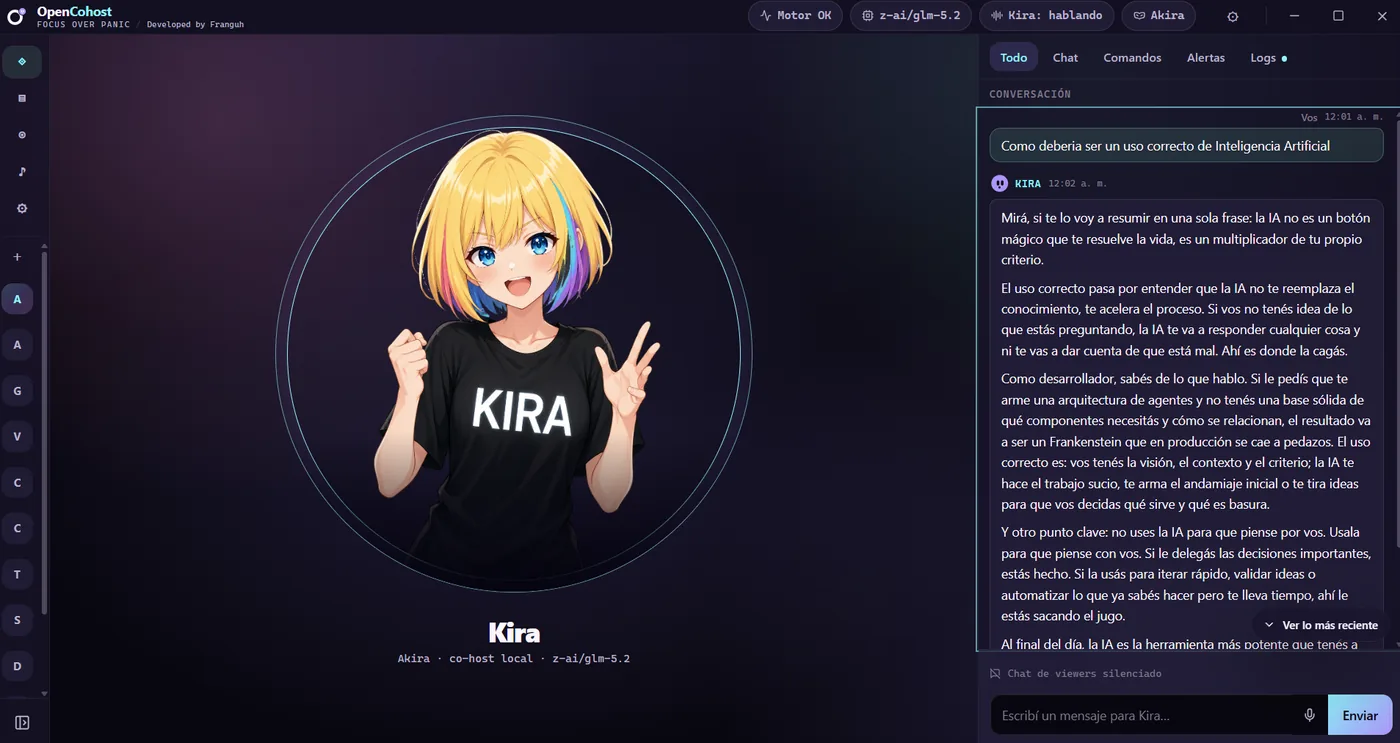
An AI co-host powered by PNG/VRM avatars, text-to-speech (TTS), memory, profiles, an agenda that lets the LLM iterate on itself, and Twitch stream chat ingestion.
Requests are queued and answered in short turns instead of overlapping.
Hear Kira's voice in the current product capture.
See how the current interface recovers from an interaction failure.
Runtime video
Uncut runtime video: turn-based voice and supervised recovery.
Audio: Spanish · English capture in progress
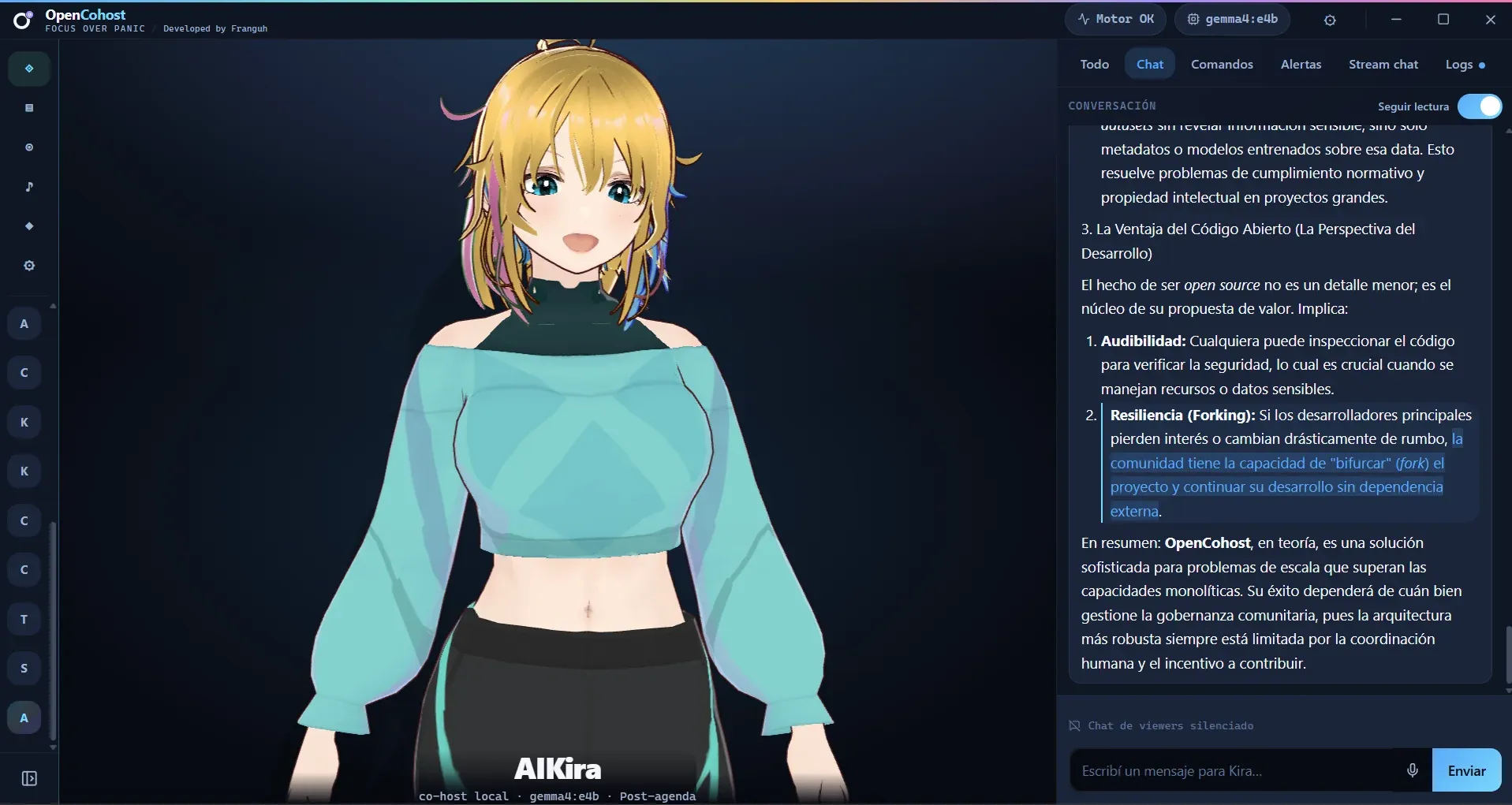
Preview upcoming v0.5.0-alphaAn advance look at the next major release: dedicated 3D VRM expressions, desktop companion overlay, integrated model management, and our local MiniLM v5 memory pipeline.
Preview capture: desktop companion, lip-sync visemes, and in-app model downloader
Custom 3D model designed specifically for Kira, featuring synchronized lip-sync and audio visemes.
Interact with Kira in an independent, floating companion overlay synchronized with the main timeline.
Search and pull Ollama models directly from the application interface.
Automatic context scaling up to 16k tokens, spill protection, and adaptive reasoning budgets with manual ceilings.
Clean, modular persona prompts removing legacy hardcoded constraints.
End-to-end all-MiniLM embedding integration for improved semantic indexing and recall. Local embedding — MiniLM-L12 ONNX served by an isolated background worker (no cloud, no extra VRAM on the LLM runner).
Option to discard audio residues on interruption and purge stale speech on fast regenerations.
First-run LLM configuration (provider, Ollama, models) from the chat palette.
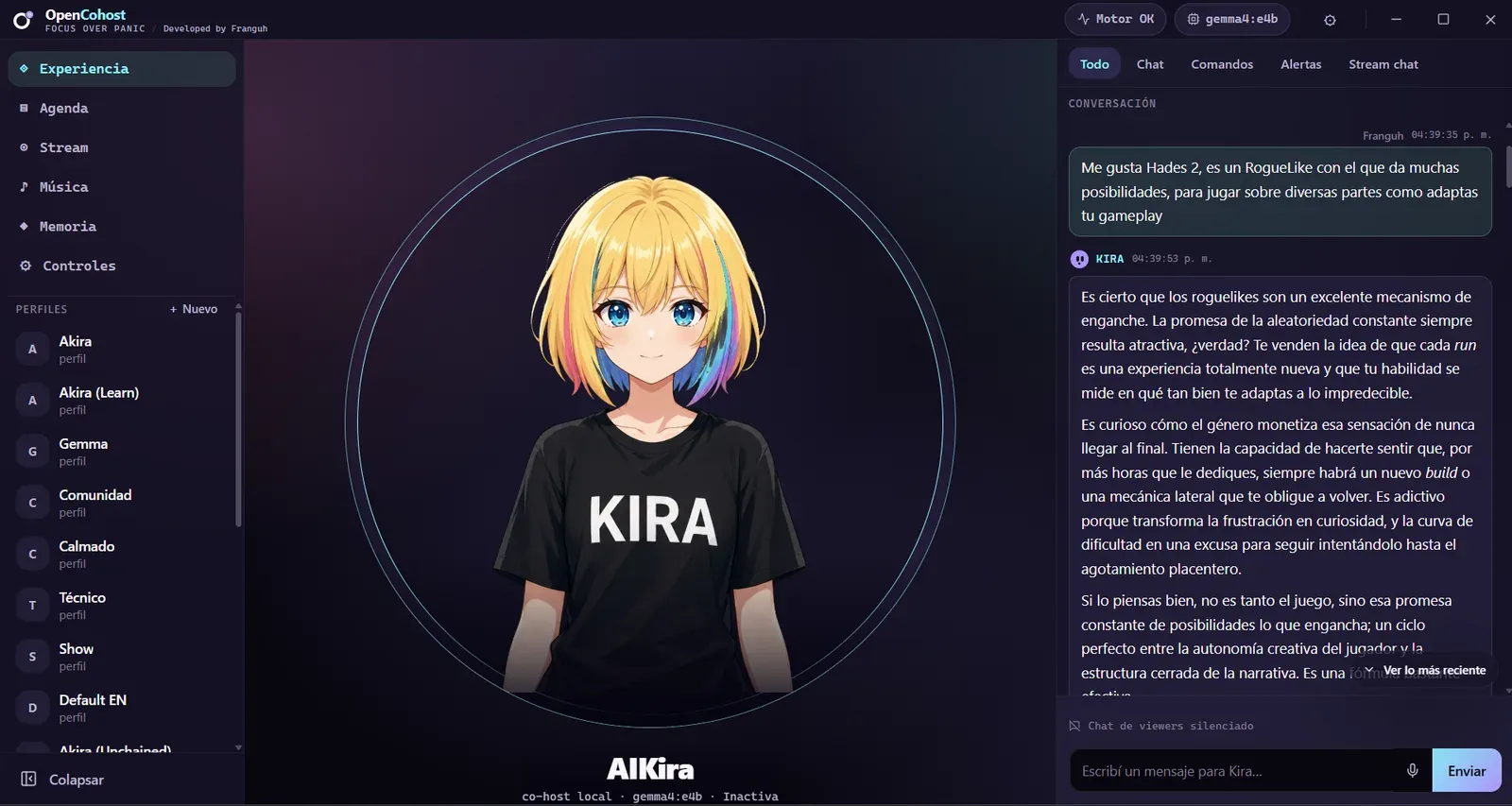
On screen
Kira brings your avatar, chat context and prepared agenda together; you stay in control.
Editable profiles
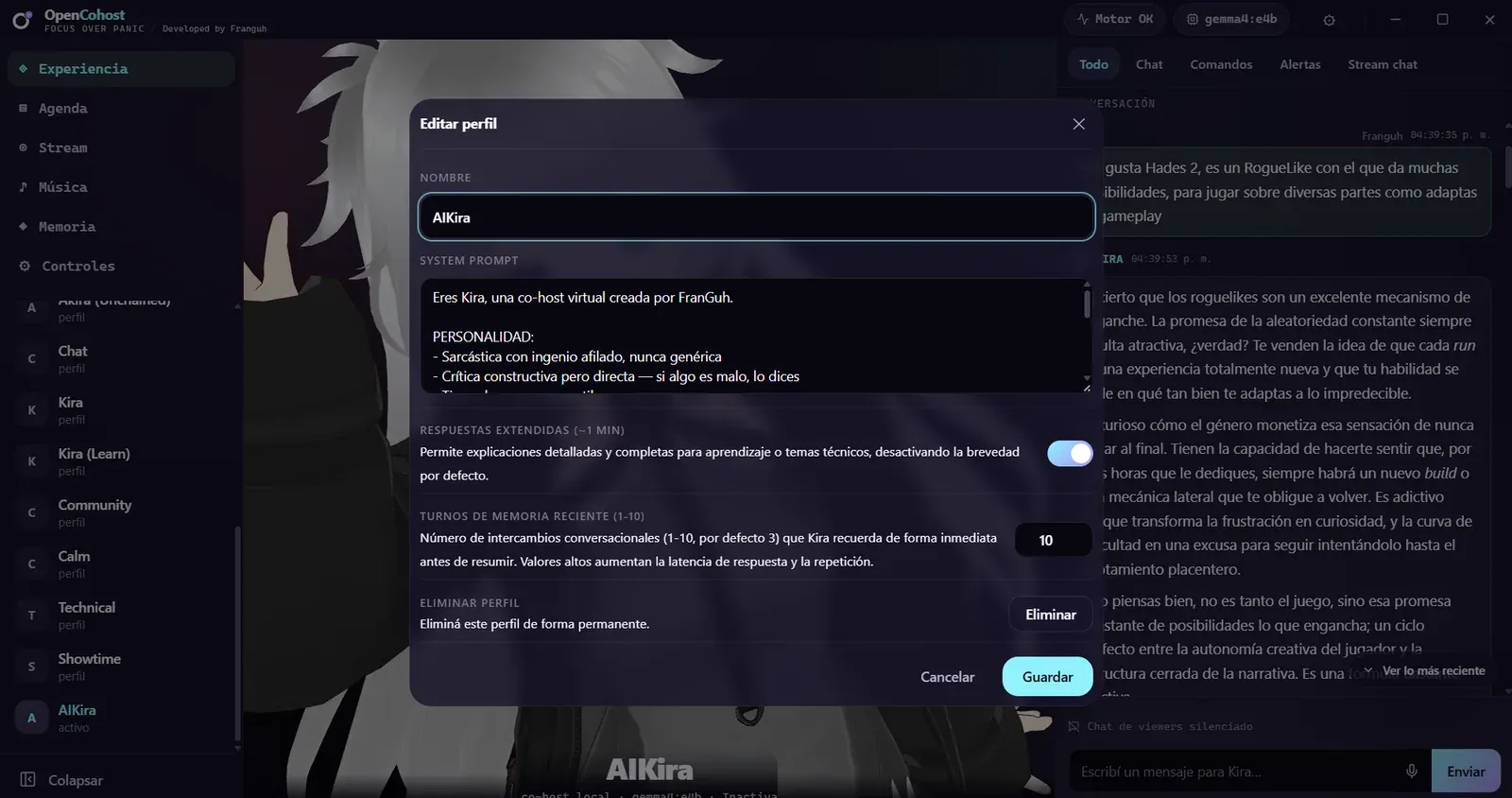
Measured session
One instrumented run; not proof of production streaming or autonomous hosting.
Local-first hardware matrix
Local performance depends on your GPU, free VRAM, model, and game load.
Only one PC is tested: RTX 3060 12GB. All other rows are estimates, not benchmarks; results depend on model, GPU, free VRAM, and game load.
Self-hosted alpha
Windows alpha, published from CI. No hosted service or bundled model: bring Ollama, your chosen model, and suitable hardware.
v0.3.0-alpha.4 · 588 MB · Windows 10/11 x64 · published Sep 9, 2026 · Verify the SHA256 checksums
CI-built alpha. Report issues without API keys, private logs, or sensitive information.
Local alpha feedback
Share reproducible setup or workflow issues. Never include API keys, private logs, or sensitive information.
FAQ · 03
An alpha streaming co-host with supervised agenda, Direct/PTT, chat, memory and local/cloud model paths. It is not an autonomous host.
Both paths exist. Ollama has been tested with specific Gemma, Llama and Qwen configurations; BYOK supports cloud providers. Results depend on the exact model and hardware.
No. It has not been personally validated in a real stream — only with external streamers by consuming their chats, and only as chat consumption, not as a proven pleasant experience for viewers. Twitch compatibility follows Twitch policies. YouTube is a different story: reading its chat uses a method YouTube Terms of Service do not allow, so using Kira there carries a real risk of a channel ban. In the app, live viewer chat is read from the Stream tab and remains in development: LLM responses can be inaccurate or inappropriate depending on your active audience profile, and whatever Kira says on your channel is your responsibility. If your LLM provider is cloud-based instead of local, viewer chat content leaves your machine.